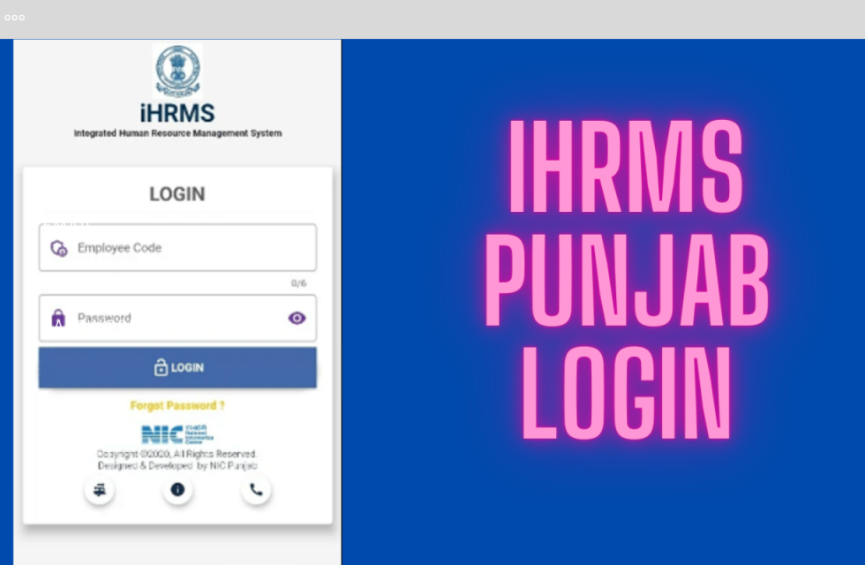
At this moment, all government and private organizations have their human resource (HR) services with the HRMS (Human Resource Management System) portal, started integrating. The HRMS portal is an organization that reduces the burden of manual labour of HR tasks implemented daily in an organization or company. An employee can apply for any of their needs, like employment-related services, through the HRMS portal.
The HRMS portal focuses on having a seamless process for HR-related tasks. The HRMS online portal operates all the daily protocols and HR activities. As a result, the HRMS portal is transparent and accurate, which means there is less possibility of errors.
What is Manav Sampada UP
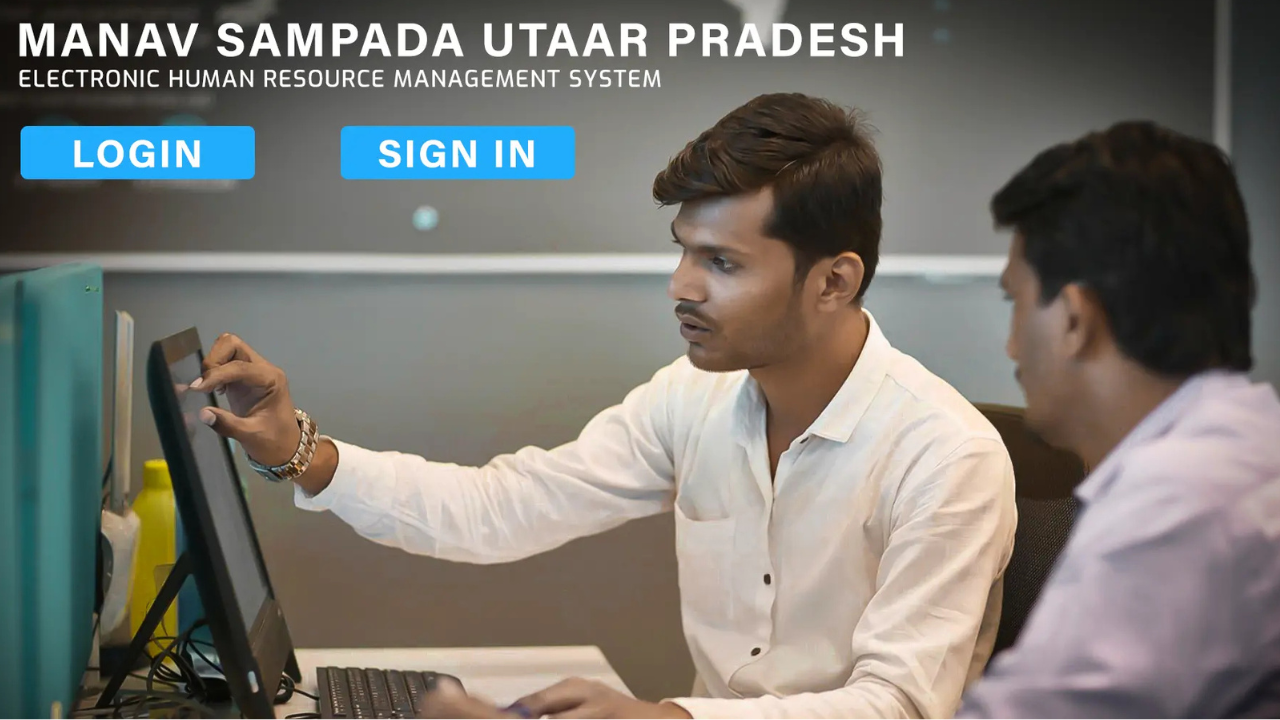
Manav Sampada UP is an online-based HRMS portal conducted by the Government of Uttar Pradesh. This portal focuses on streamlining and managing the vast workforce of the staff and employee personnel of the Uttar Pradesh Government. This portal normally manages all the administrative processes and it also manages all the data related to the employees.
This portal is a centralized online platform helpful for employees, in which the employees’ info, like salary slips, service records, transfers, promotions, and many others related to the administrative processes, is managed effectively. This method replaces the manual methods of maintaining the employees’ records and facilitates decision-making related to the employees.
Goal of Manav Sampada UP
Human Resources UP is managed by NIC UP State Centre, which integrates e-governance for all its employees and has its operations spread across all parts of Uttar Pradesh, India. The Human Resources UP portal has the following objectives:
- This portal showcases its HRMS solutions for all employees of various government offices in Uttar Pradesh.
- This portal collects all the information related to employees and stores it in the HR database, which is used for the evaluation and verification of employees.
- The Human Resources UP portal reviews the status of manpower.
- This portal also helps in calculating the total number of appointments required by the government.
- To maintain the employment records of all employees in e-Service Book format.
- Human Resources UP aims to fulfill the objectives of the RTI Act regarding posting, transfer and appointment of employees.
- This portal promises to resolve all the queries of its employees.
- Achieving a complete digitalization process in administrative processes.
Read More: How a Single Live Match Turns Strangers Into a Temporary Football Family
Features of Manav Sampada UP Portal
- Employee Database: The centralized database of all employees assists the government in tracking its employees’ records and other details at any time.
- Leave Applications: An employee has access to request leave through this portal.
- Salary and Pension: With the platform, the details related to the salary and pension of its employees are available under this portal.
- Work Performances: This portal can track the employees’ work performance and identify potential candidates for giving higher promotions.
- Transparency: This online portal has transparent HR activities and procedures that help to know employee can know the status of their requests at any time.
- 24/7 Service: The portal is available all the time for it users. The employee and employer, i.e., UP Government’s top executive officers, can access this database. An employee can apply for leave at his or her convenience.
Some Important Services of Manav Sampada UP
| Services | Description |
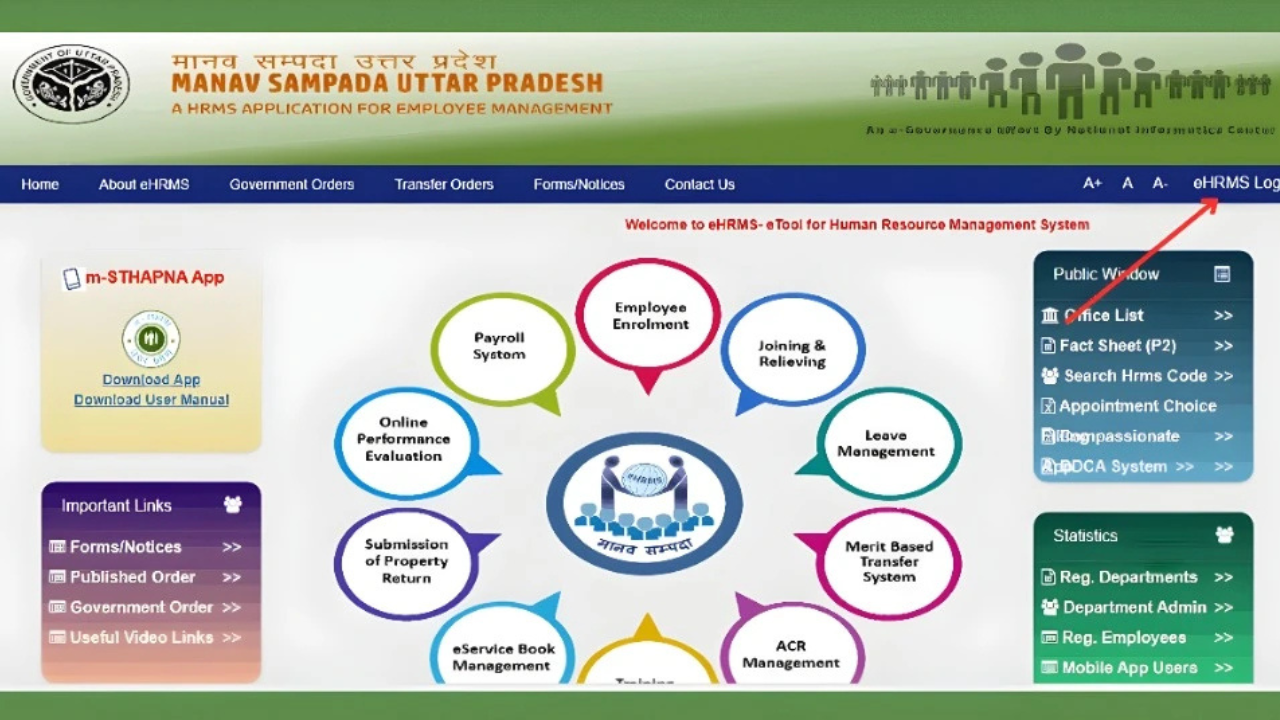
| Employee Enrolment | When an employee joins the service, all his or her details are uploaded online. |
| Joining and Relieving | This portal helps to aid the employee’s joining and leaving the service. |
| Merit-Based Transfer | All job postings and transfers are executed through this portal on merit. |
| Leave Management | All the leave applications are processed online in this portal. |
| Annual Confidence Report (ACR) | The employees’ work performance records for the whole year are maintained in this portal. |
| Training Management | This portal schedules an employee’s training period. |
| Property Return | All the details related to employees’ property returns are maintained. |
| E-Service Book Management | An employee can generate his or her service records online. |
| Evaluation | Employees’ work performances are evaluated via this portal. |
| Payroll Services | This portal is automated with software that manages the employees’ payroll services. |
Read Also: Startup Booted Financial Modeling: Ultimate Guide to Sustainable Growth
How to Log in to Manav Sampada UP Portal?
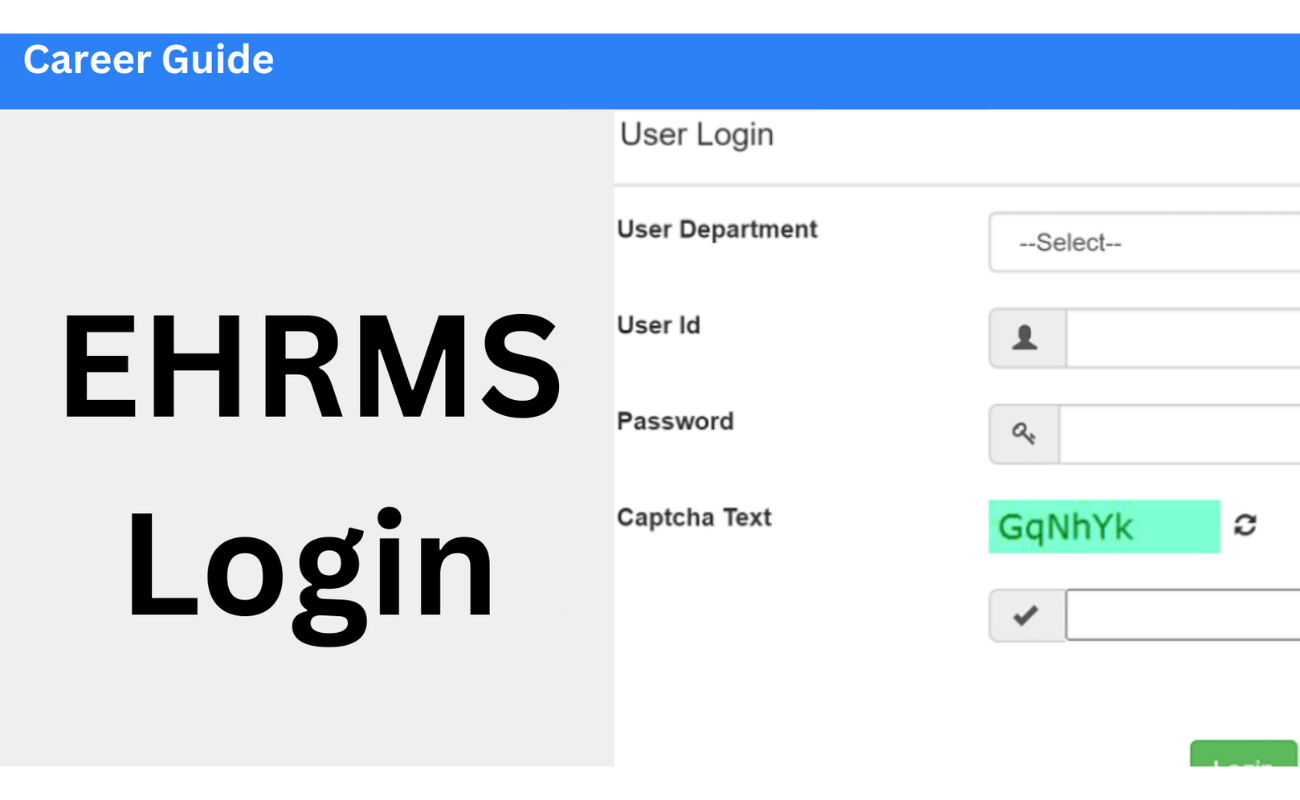
Step 1: Firs you have to log on to the official website of Human Resources UP.
Step 2: Then, locate the top right corner of the website, click on the “eHRMS Login” option.
Step 3: You can see that a dialog box will open.
Step 4: In that dialog box, you have to move your cursor to the first, User Department. And then click on the downward-facing arrow. You can see a dropdown menu. Select any of the following categories:
- Medical Education
- Basic Education
- State Property
- Medical Health & FW
- Secondary Education
- All Other Categories
Step 5: Submit your User ID, Password and fill in the Captcha Code. Make sure that you have entered the correct Captcha Code to log in.
Step 6: Click on the “Login” tab.
After you log in, you will reach the main page of the UP Human Resources portal. Your photo and all your details will be shown right there. Look around the page and click on the options you need to use any service.
How to Reset the Password for Manav Sampada UP?
If you have forgotten your password for the portal, you can reset it from the portal itself. Follow the procedures below to reset the login password:
- First, you need to log on to the official website of Manav Sampada UP.
- Then, you have to click the option eHRMS Login
- And then A dialogue box will open.
- Then need to click the tab “Forgot Password.”
- After that, in that dialogue box, you have to navigate your cursor to the first bar, User Department. Click the downward arrow. A dropdown menu will open. Select any of the following departments:
- Medical Education
- Basic Education
- Medical Health and FW
- Rajya Sampatti
- Secondary Education
- All Other Departments
- Here you have to enter your User ID.
- Then you have to select any one of the following methods to reset the password:
- Via Email
- Via SMS (Short Message Service)
- The portal will send a new password to your registered email. Use that password to log in and click “OK” to continue.
How to Apply for Leave in Manav Sampada UP Portal?
Step 1: Initially, visit the official site of Manav Sampada UP.
Step 2: In the upper right-hand corner, make a choice by clicking on the eHRMS login.
Step 3: You will then receive a pop-up.
Step 4: Choose Your Department.
- Click the arrow (▼) located at the right of the field named as User Department.
- These will be displayed as a dropdown list:
- Basic Education
- Medical Education
- Medical Health and FW.
- Rajya Sampatti
- Secondary Education
- All Other Departments
- Select your department by clicking on it in the list.
Step 5: Enter user ID, password and captcha code displayed on the screen. Ensure that you key in the captcha.
Step 6: Press the ” Login ” button.
Step 7: After logging in, you will see the tab of Leave Module at the top of the page, and click on it.
Step 8: There will be a dropdown menu with 2 options:
- My Leave
- Other Leave
Step 9: Click on My Leave. You have another menu that will open with the following options:
- Apply for Leave
- View Balance
- View Application Status
- Cancel Leave
Step 10: Select the option of applying leave.
Step 11: You will now view the leave form. Complete the information as necessary.
This form contains the following fields:
- Reporting Officer
- Leave Type
- From Date
- To Date
- Number of Days
- Leave Prefixed Day(s)
- Leave Suffixed Day(s)
- Reason for Leave
- Station Leave Required
- Address During Leave
- Upload Attachment (where necessary)
Note: There are four mandatory fields to be completed:
- Reporting Officer
- Leave Type
- From Date
- To Date
All other fields are optional. Fill them in only if they apply to your situation.
Step 12: After filling the form, click on the “Submit.” A confirmation message will appear. Click “OK” to finish setup.
Final Word
There are numerous services available to employees on the Manav Sampada UP portal. All employees can apply for their requests through this portal without visiting the head office. Providing Manav Sampada UP by the Government of Uttar Pradesh has simplified all the administrative processes and other HR work. This is a boon to the employees because they can get themselves of the services in their comfort zone anytime.
Read More: Ghost of Yotei: A Stunning Samurai Adventure You Shouldn’t Miss